How to log in
Use this page to sign in to AMIS Admin before using other modules.
Assumes: you have an Admin account (username/email + password).
1. Open the login page
- Open the Admin URL (
https://v2.amis.gov.la/) - If you are not signed in, the app redirects to
/login
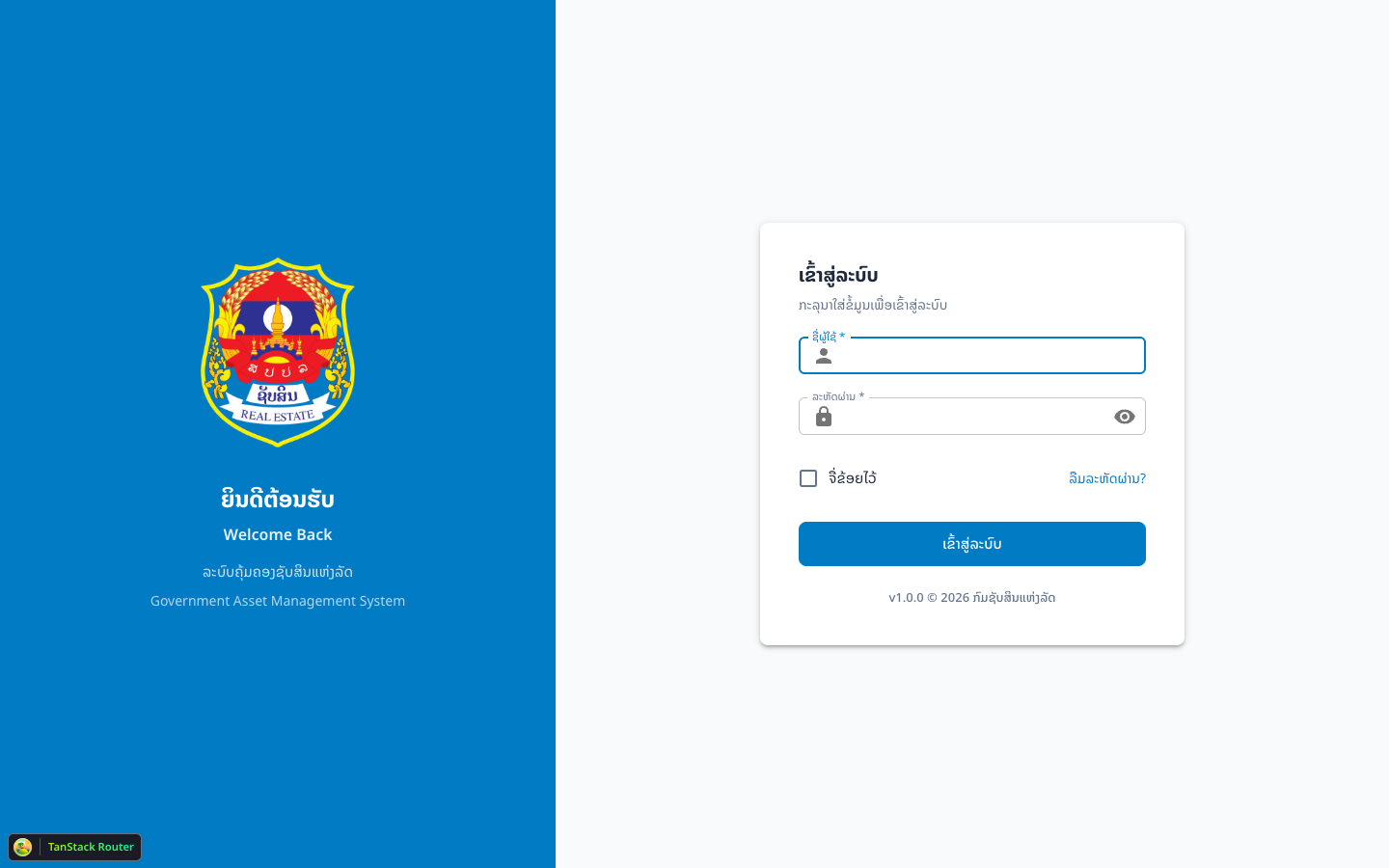
2. Fill in credentials
| Field (code) | UI label | Notes |
|---|---|---|
identified | Username | username or email |
password | Password | eye icon toggles visibility |
rememberMe | Remember me | optional |
3. Sign in
- Enter
identifiedandpassword - (Optional) check Remember me
- Click Login
- On success you are redirected to
/
4. Verify it worked
- You see the home/dashboard and the left menu
- The URL is no longer
/login
Common problems
| Symptom | Cause | Fix |
|---|---|---|
Stay on /login with error toast | Wrong credentials | Check username/password |
| Required field errors | Empty fields | Fill identified and password |
Redirected back to /login | Session expired | Sign in again |