Vehicle details
Use this page to review a full vehicle record and open actions (edit, move plate, export, gallery).
Assumes: you are signed in and have vehicle-index.
1. Open the detail page
- Go to Assets → Vehicles (
/assets/vehicle) - On a row, open ⋮ → View Details
- URL:
/assets/vehicle/$vehicleId

The hero shows the plate, code, status (active/retired), and brand/model chips.
2. Information sections
Scroll down to the section cards:
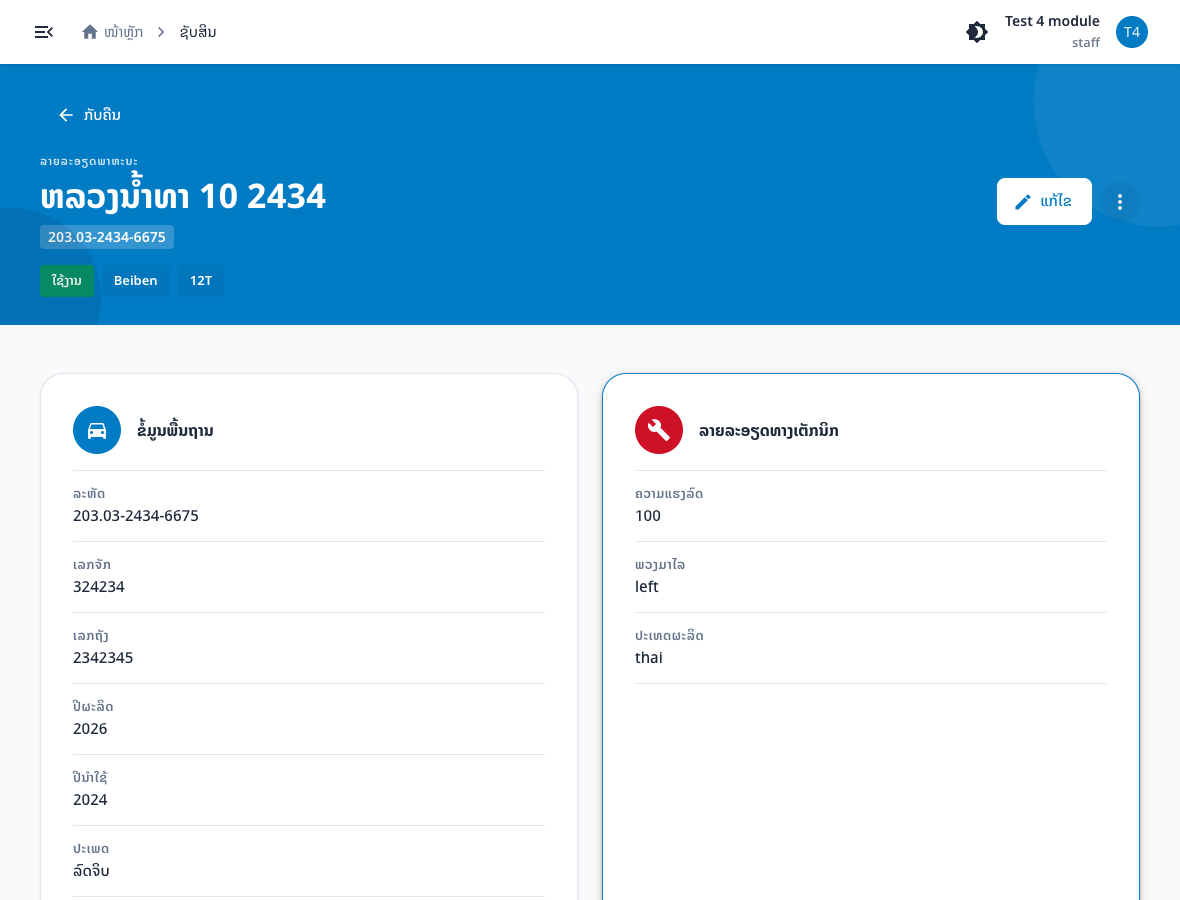
| Section | What you see |
|---|---|
| Basic information | code, registration_number, tank_number, years, category, color |
| Technical details | strength, steering_wheel, country of manufacture |
| Plate information | plate_address, plate_text, plate_no |
| Financial information | cost, depreciation, vehicle_kind, funding |
| Organization | ministry / maindepart / depart |
| Usage information | user type, name, position, retired |
| File attachment | file_url / upload status |
3. Detail actions
- Edit — goes to
/assets/vehicle/$vehicleId/edit - ⋮ overflow menu:
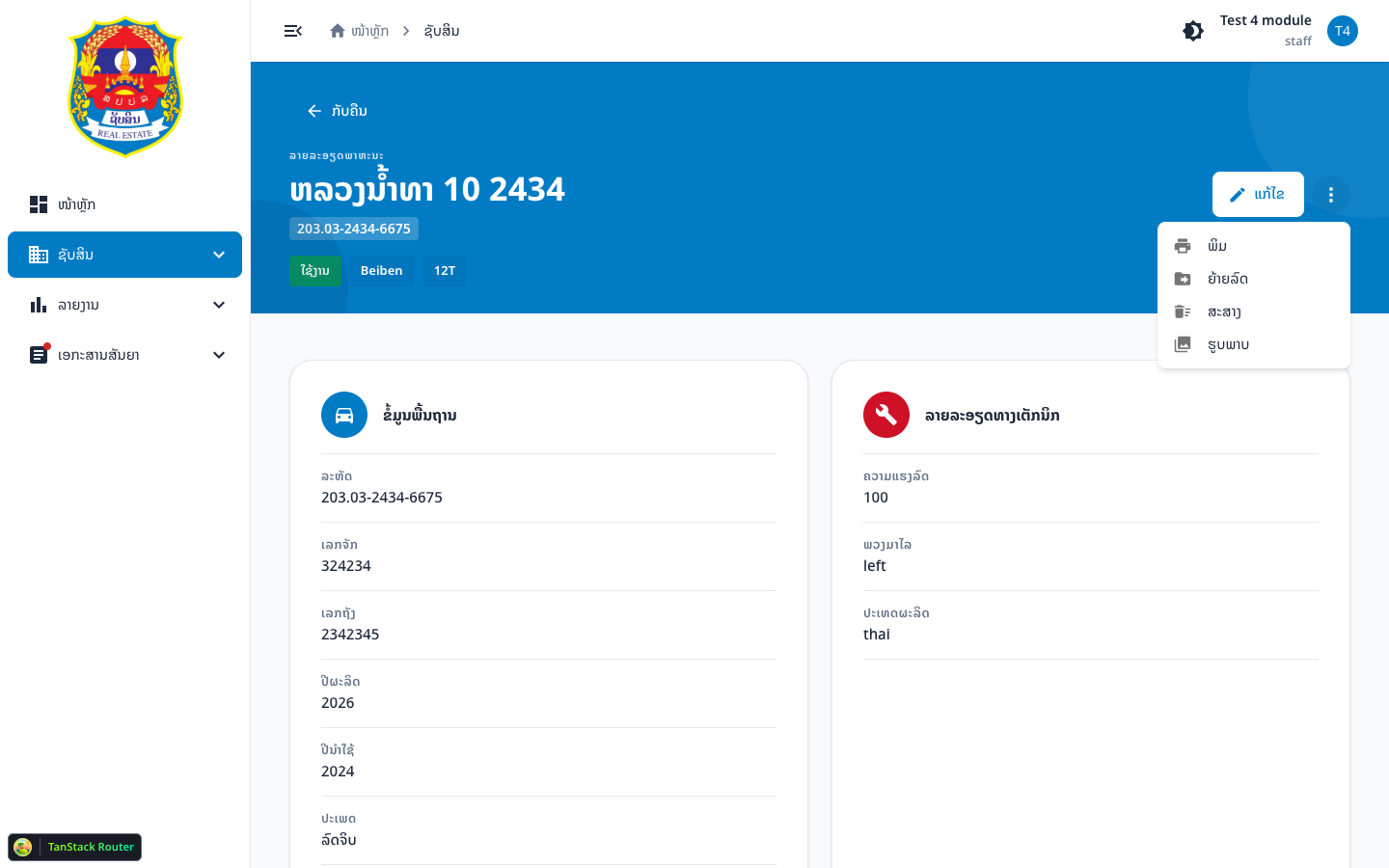
| Action | Notes |
|---|---|
| browser print | |
| Move Vehicle | opens Move Plate dialog — disabled when lot_status = in_progress |
| Export | opens export dialog |
| Gallery | opens gallery dialog |
4. Verify it worked
- Hero and section cards are visible
- Plate /
codematch the row from the list