Contract details
Permission needed: View
Open the details
In the contract list click ⋮ at the end of the row and choose View.
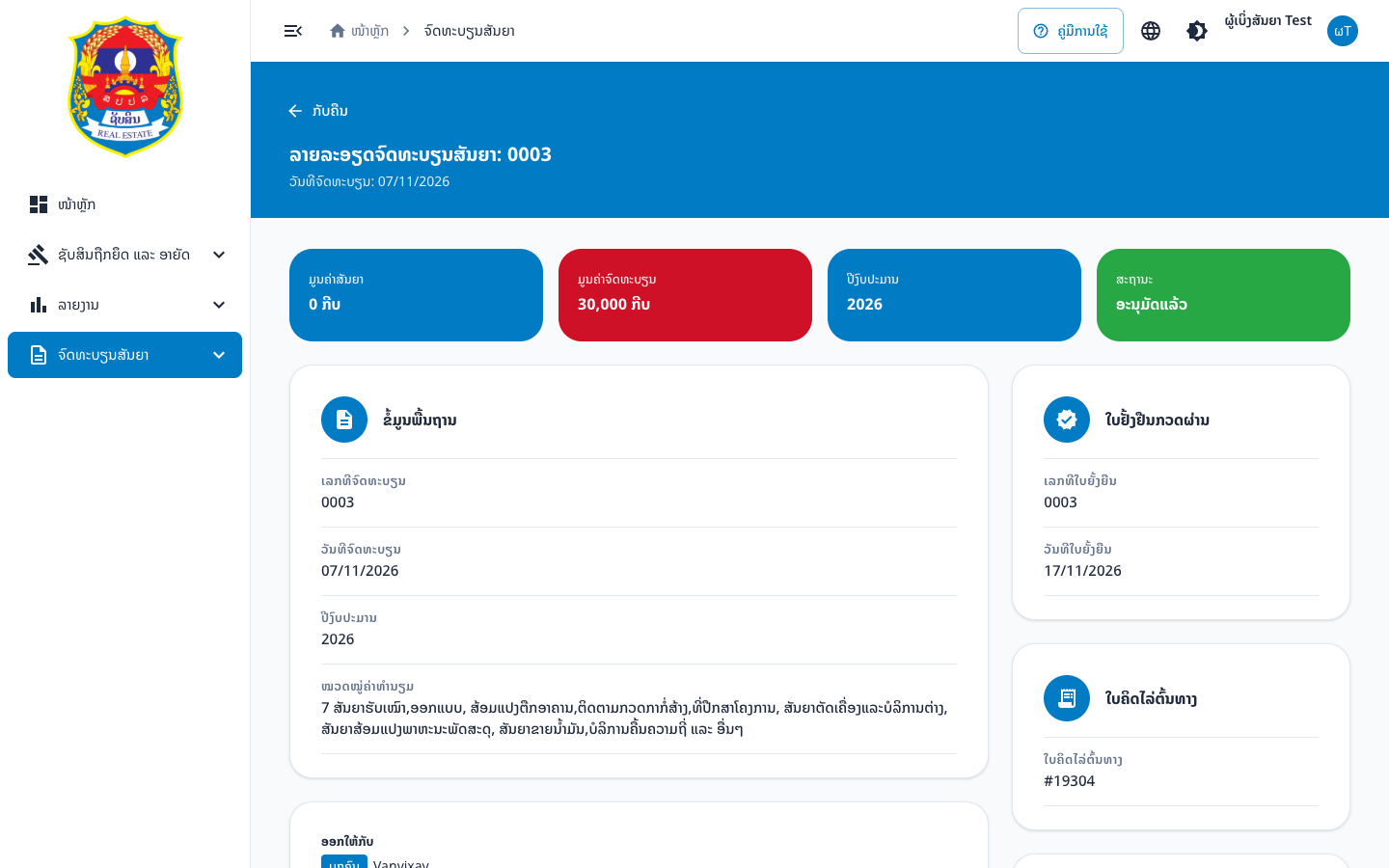
At the top is a blue bar with the registration number and date. If you can edit and the contract is not completed, an Edit button is at the top right. Click Back to return to the list.
Below it are four coloured boxes: Contract value, Registration value, Fiscal year and Status.
What is on the page
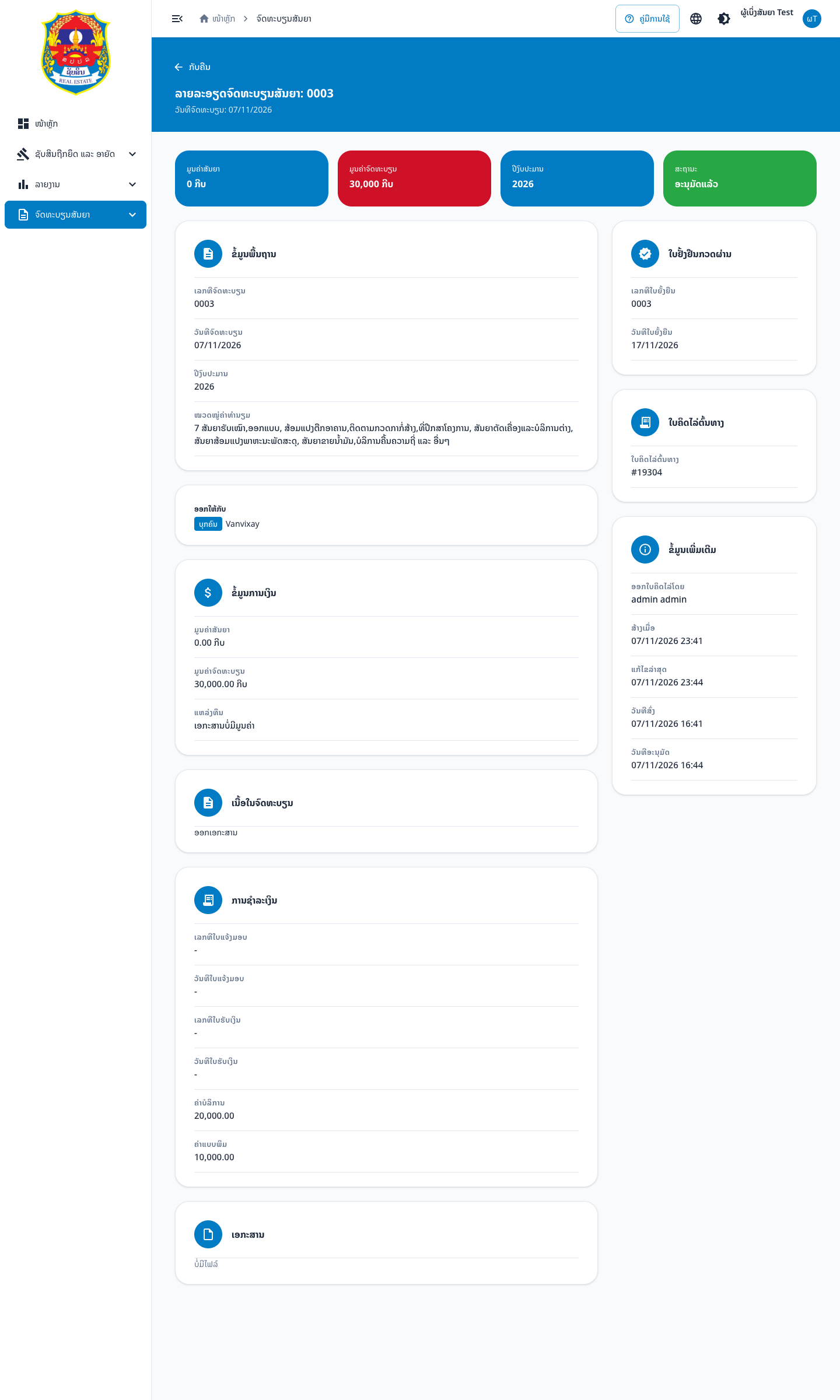
| Section | What it holds |
|---|---|
| Basic information | Registration number and date, fiscal year, fee category |
| Verification certificate | Certificate number and date |
| Source calculation sheet | The number of the sheet that created this contract |
| Contract parties | Party 1 and party 2 (person, company or government) |
| Financial information | Contract value, registration value, funding source |
| Registration content | What the contract is about |
| Payment | Delivery note, receipt, service fee, form fee |
| Additional information | Issued by, created, last edited, submitted and approved |
| Documents | Attached files — see Attached documents |