Edit and delete a contract
Edit a contract
Permission needed: Edit
A contract with the status Completed cannot be edited and has no Edit button.
- In the list click ⋮ at the end of the row and choose Edit (or click Edit on the details page).
- Change what you need.
- Click the save button at the bottom of the page.
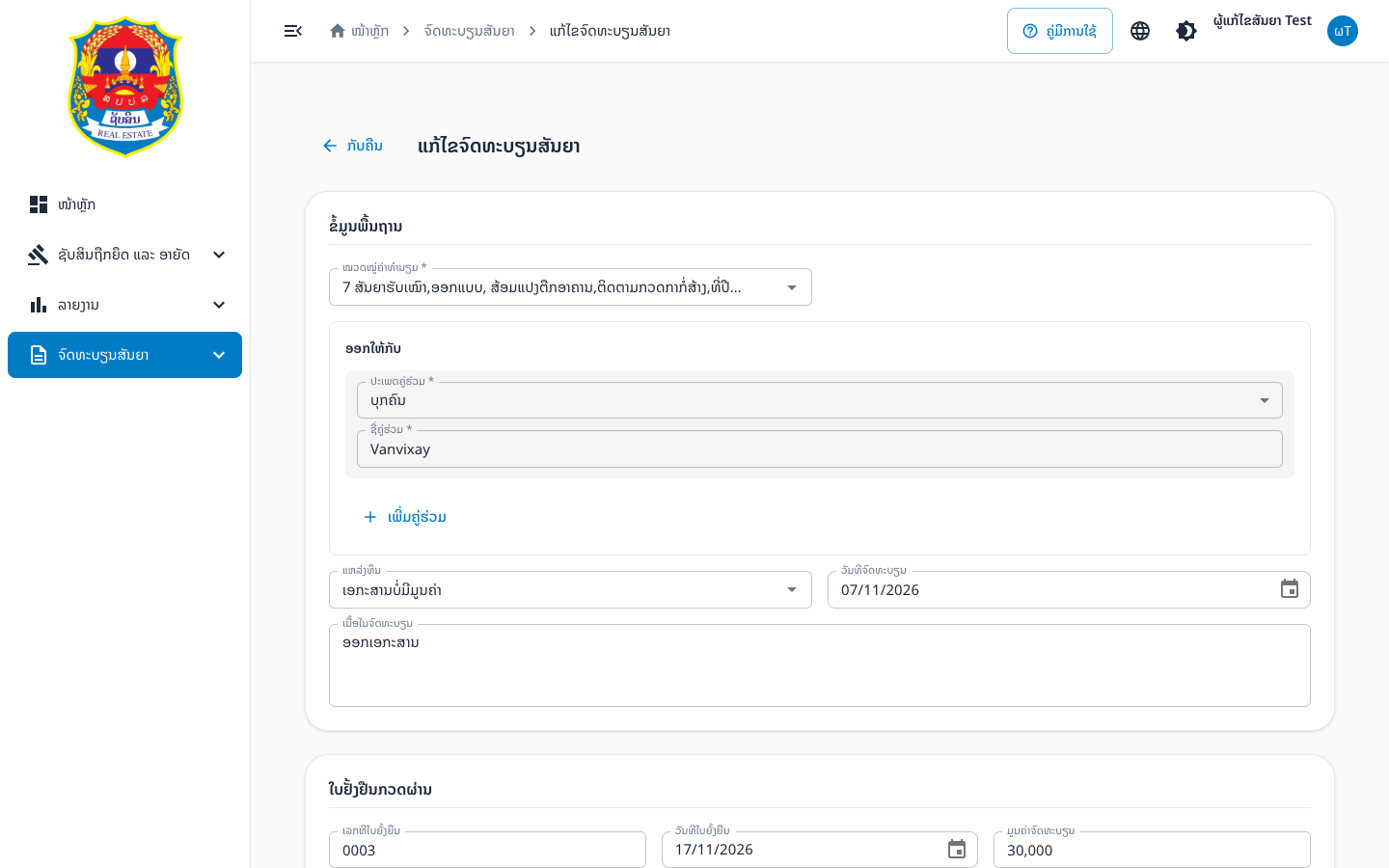
The page has 4 parts:
| Part | What you can change |
|---|---|
| Basic information | Fee category, parties (add or remove a party), funding source, registration date, content |
| Verification certificate | Number, date and registration value |
| Financial information | Currency and contract value |
| Payment | Delivery note, receipt, service fee, form fee |
Fields marked * are required. If you forget one, the system tells you at that field.
Delete a contract
Permission needed: Delete
A contract with the status Completed cannot be deleted.
- In the list click ⋮ at the end of the row and choose Delete.
- The system asks "Are you sure you want to delete this contract?".
- Click Delete to confirm or Cancel to stop.
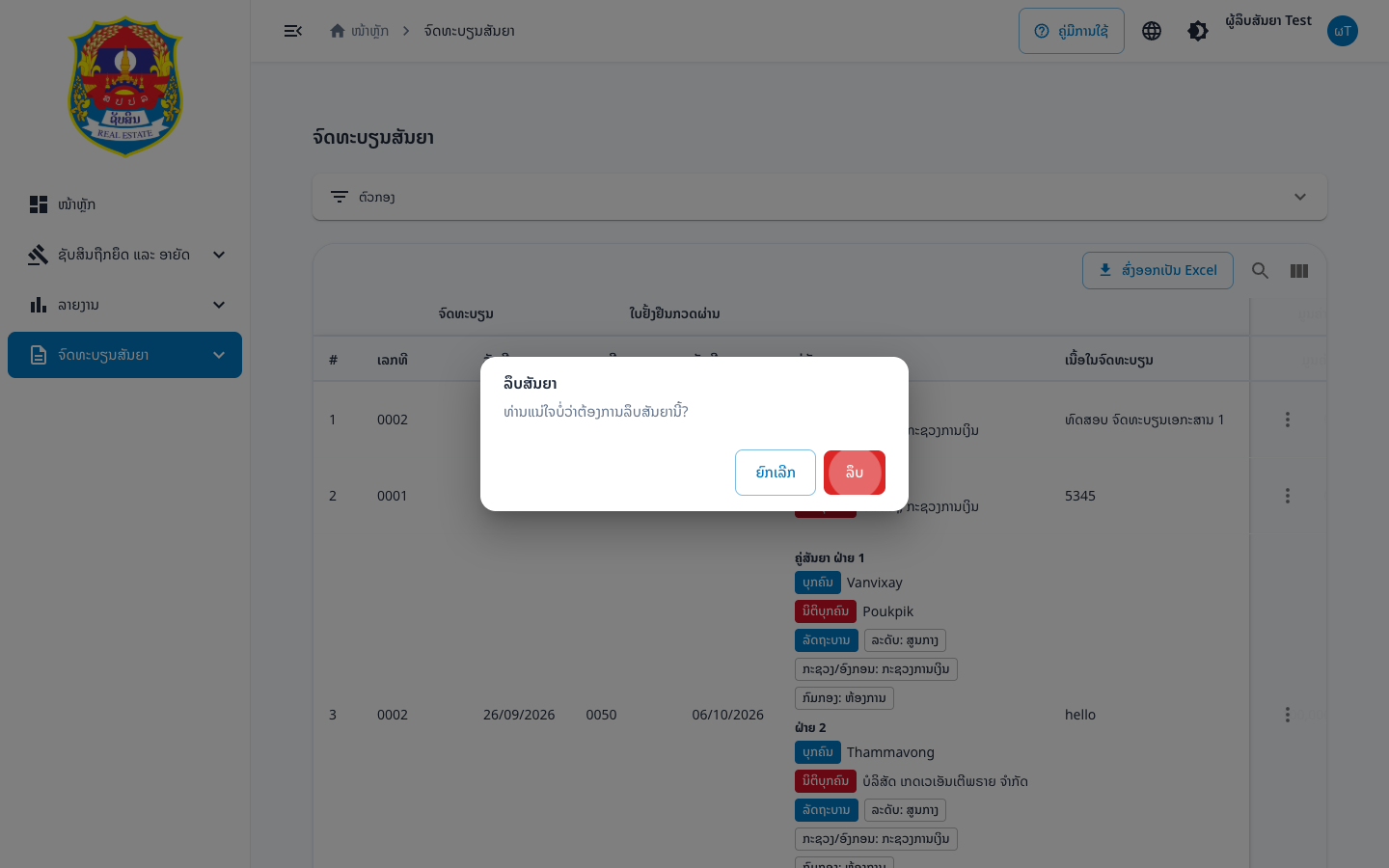
Before you delete
Make sure it is the right contract. If you are not sure, click Cancel.