Contract settings
This page opens only for system administrators. If you are a regular officer you will not see it and do not need it.
The administrator opens it from the Settings menu. Contract settings has 4 tabs:
| Tab | Holds |
|---|---|
| Companies | The companies you can choose as contract parties |
| Categories | The fee categories of contracts |
| Funding sources | The funding sources of contracts |
| Numbers | The current registration number of each category and fiscal year |
Click Add at the top right to add an item and the ⋮ menu at the end of a row to change it.
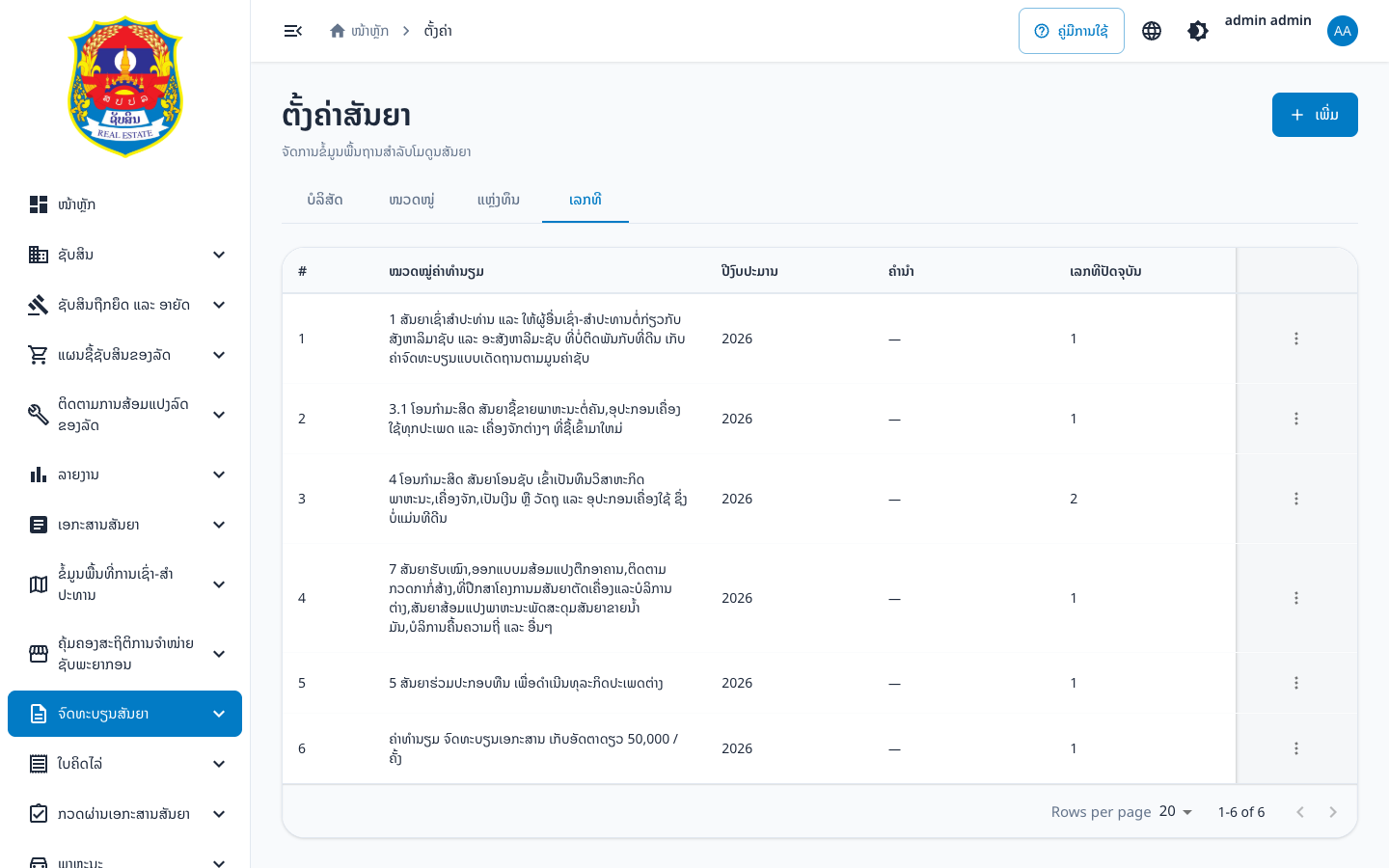
The Numbers tab shows the current registration number of each category in each year. When a contract is approved, the system gives the number after this one.