Contract permissions
Not everyone can do everything. The buttons and menus you see depend on the permissions given to your position. The system administrator sets the permissions.
What permissions are there
| Permission | What it allows |
|---|---|
| View | Open the list, see details, filter, export to Excel, see the waiting list |
| Edit | Change contract information |
| Delete | Delete a contract |
| Approve | Approve waiting contracts and give the registration number |
| Documents | Upload, scan, delete and stamp attached documents |
View is needed before any other permission. Without it you will not see the contract menu at all.
An Add permission exists, but there is no "create contract" button on screen because contracts are created from calculation sheets. An account with only this permission looks the same as a viewer.
The Contract settings page opens only for system administrators, whatever the permissions above.
What each account sees
Contract viewer (View)
Sees the list, filters, Excel export and details. There is no Edit button.
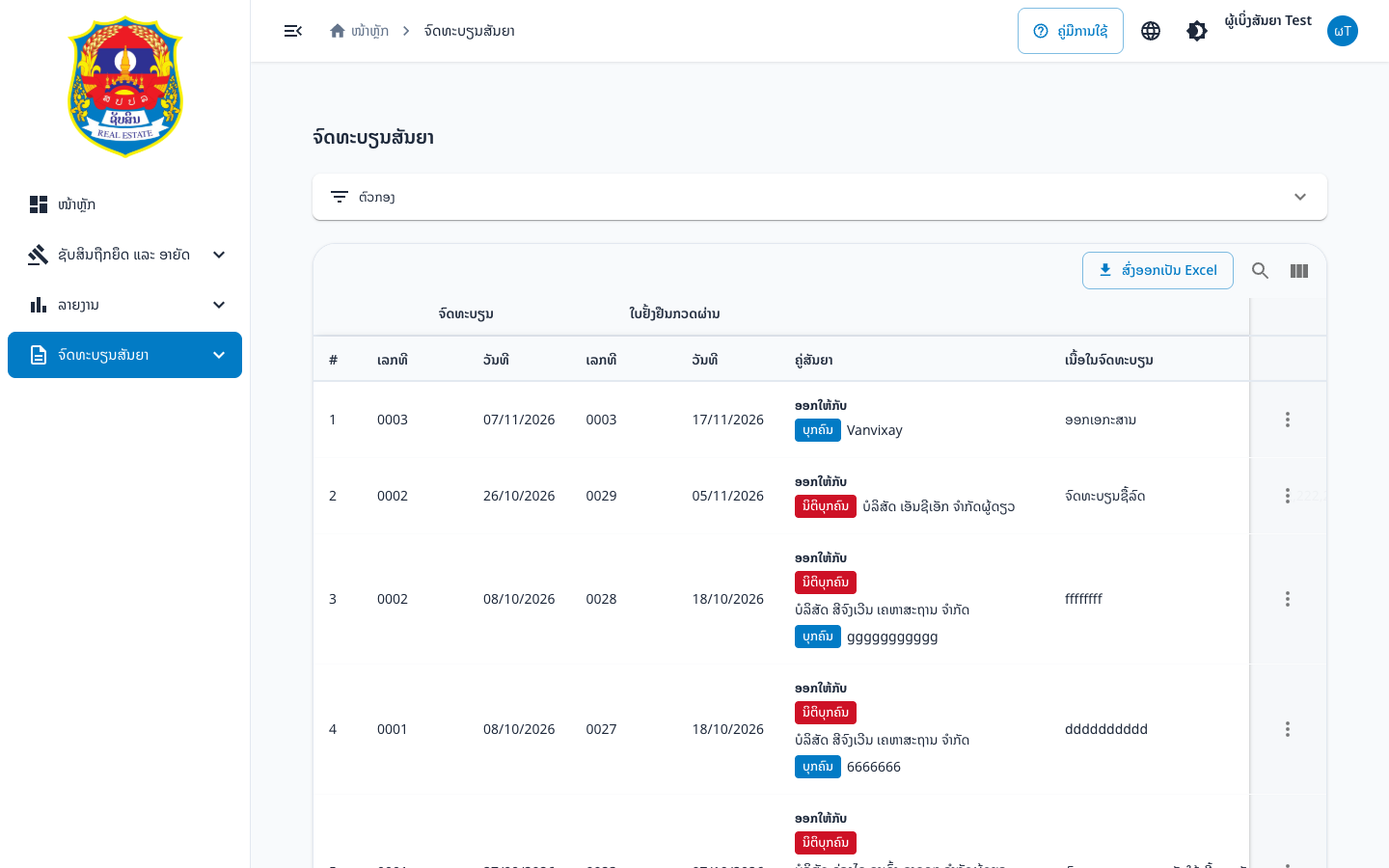
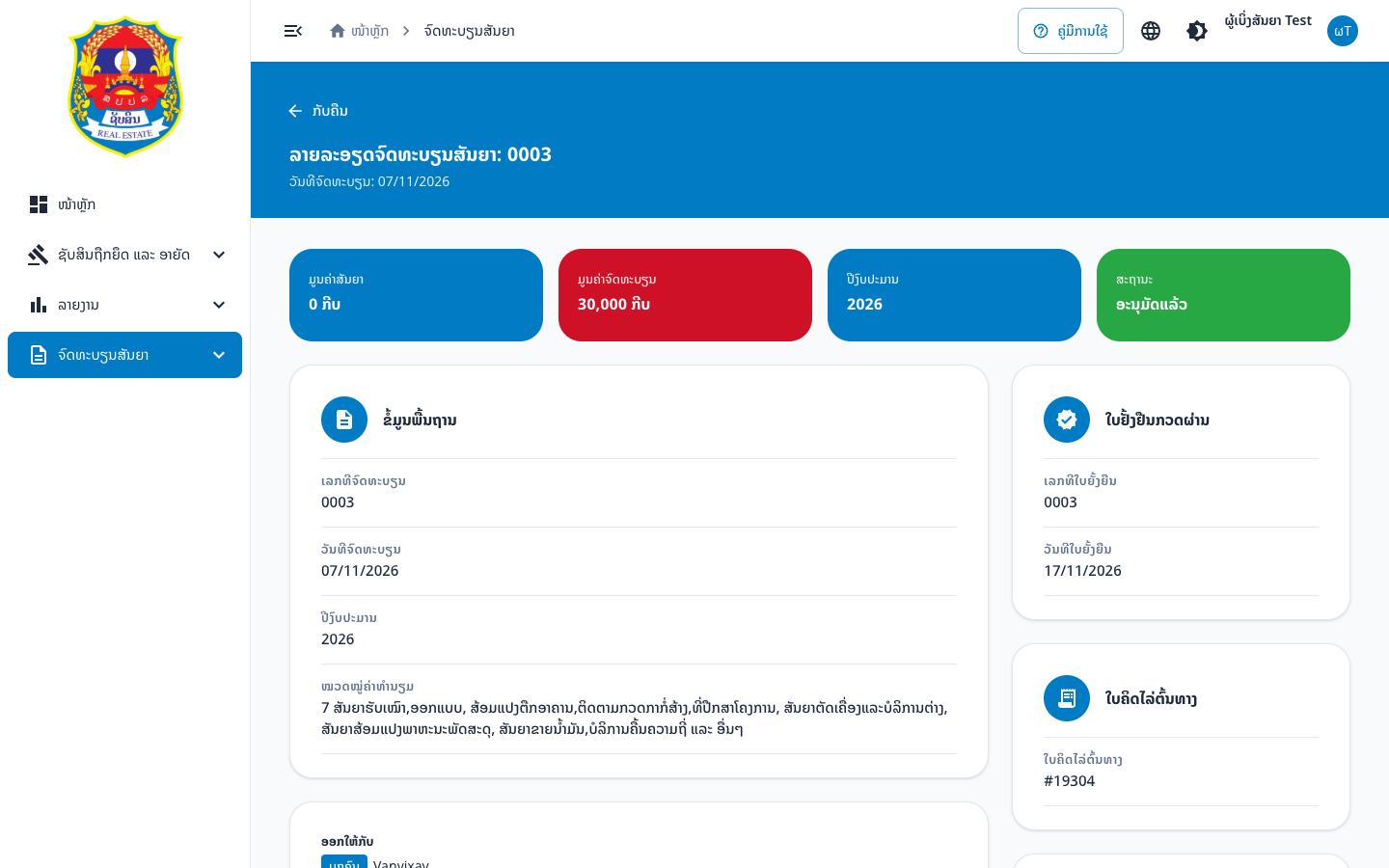
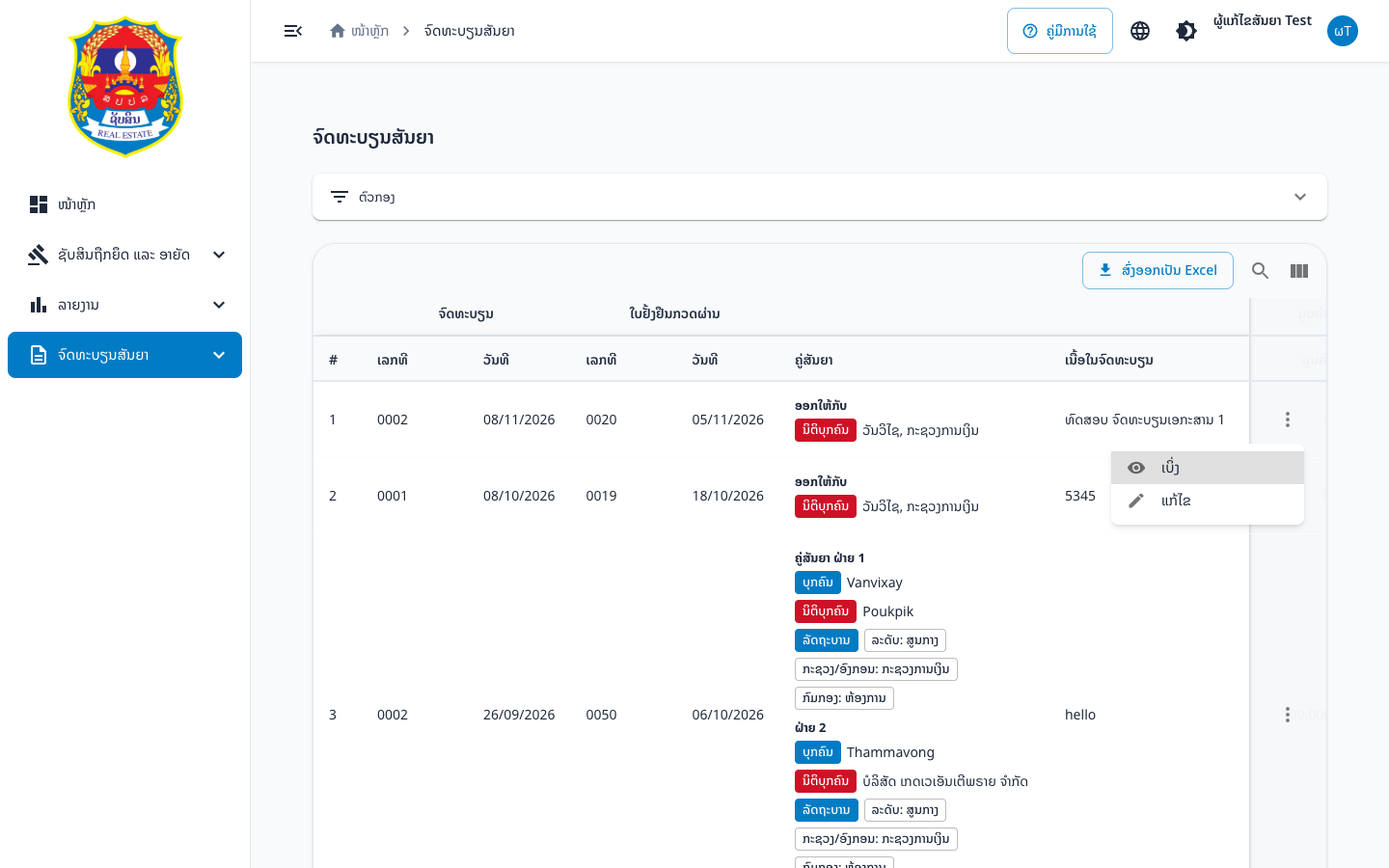
Contract editor (View + Edit)
The ⋮ menu of each row has View and Edit.
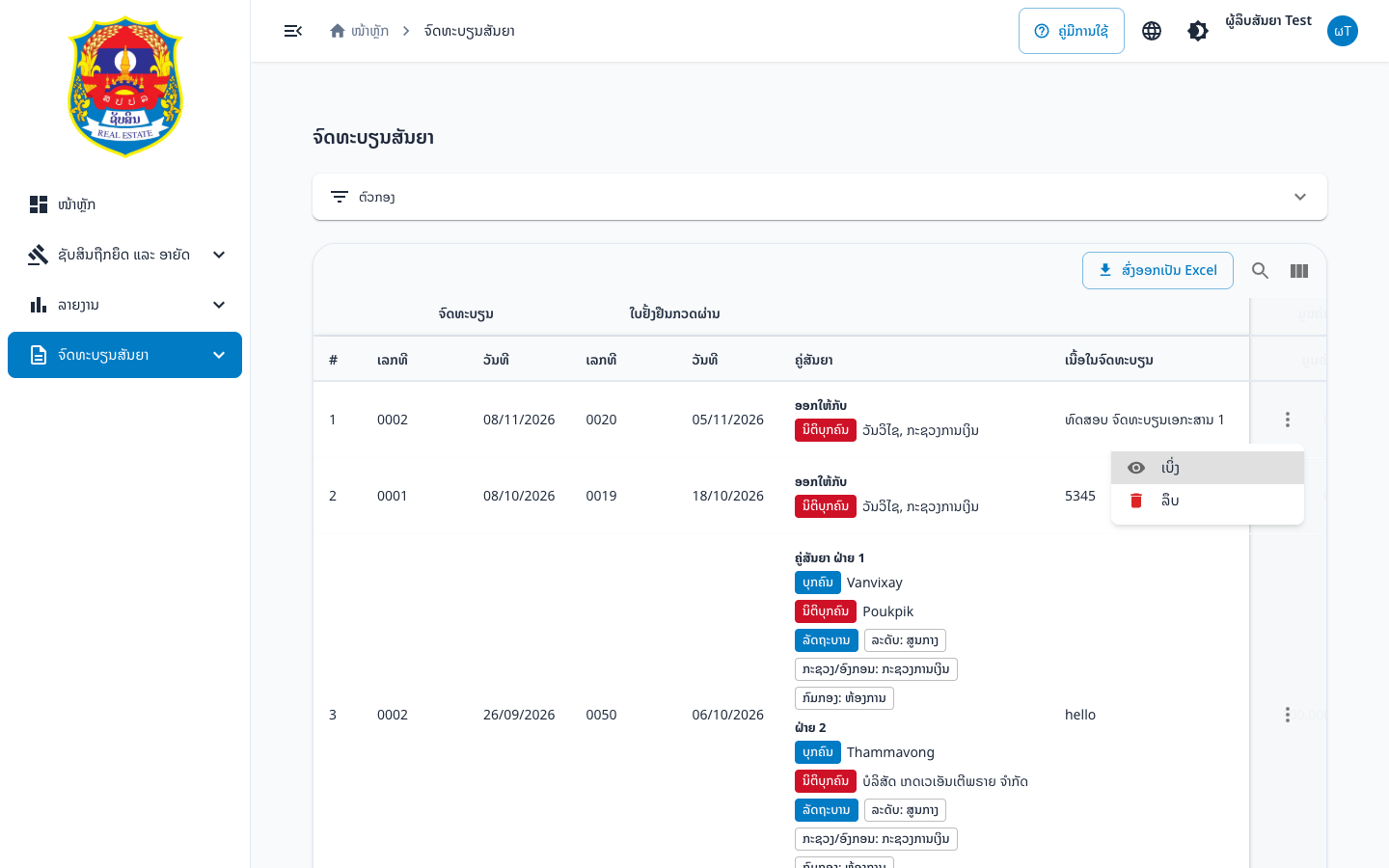
Contract deleter (View + Delete)
The ⋮ menu has View and Delete. After you click Delete the system asks you to confirm.
Contract approver (View + Approve)
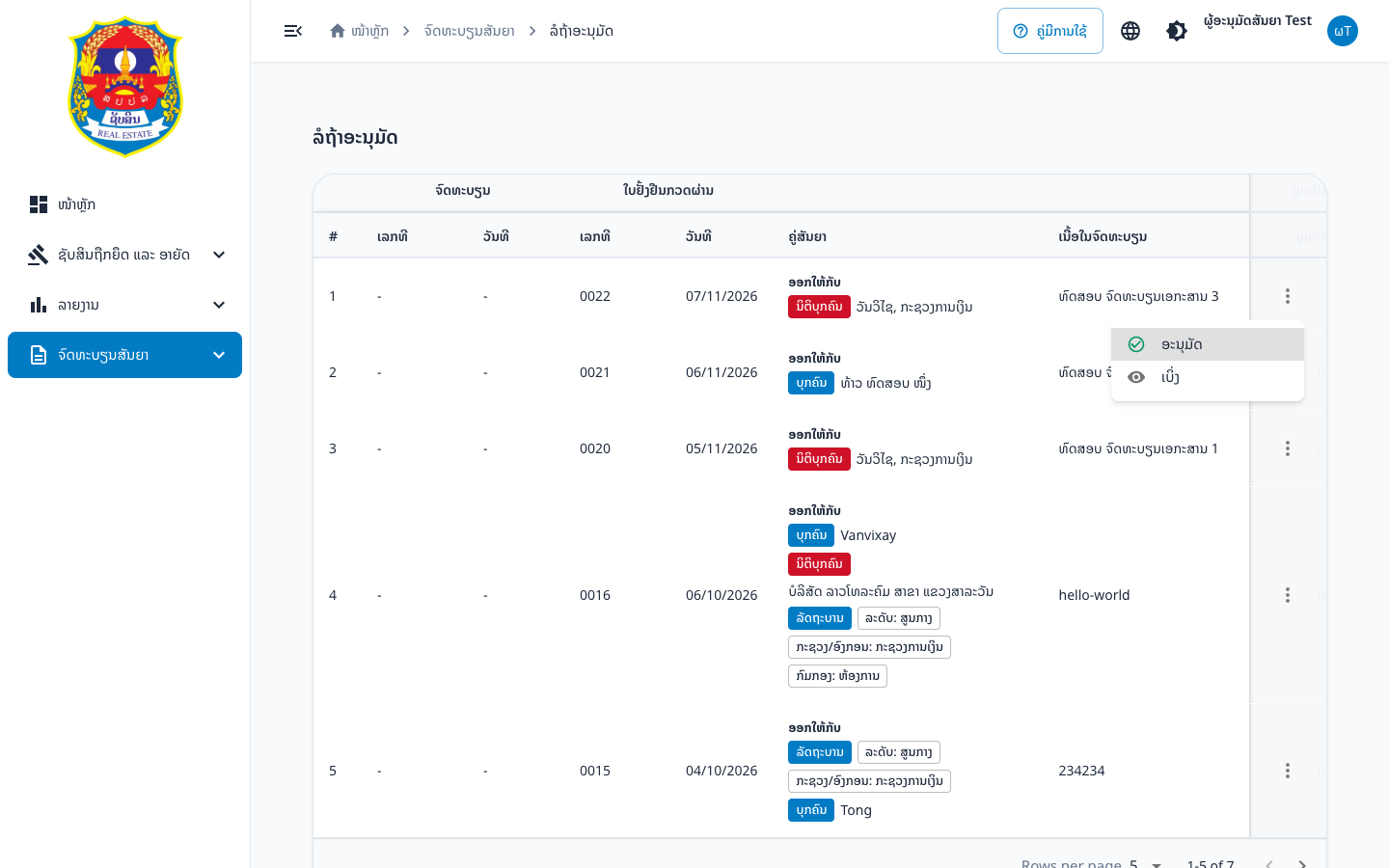
In the waiting list the ⋮ menu also has Approve. See Waiting for approval.
Document manager (View + Documents)
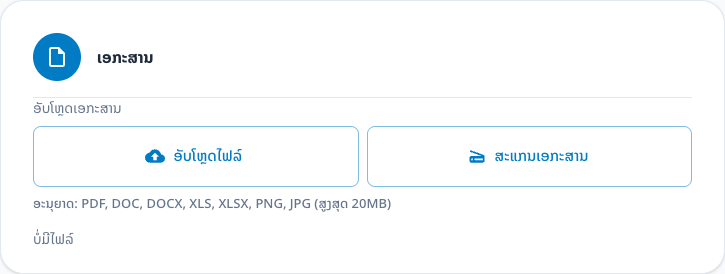
The details page shows Upload file and Scan document. See Attached documents.
When you see "No access"
Your account has no permission for that page.

Click Back and tell the system administrator what you need, for example "I need permission to approve contracts". The administrator will change your position's permissions. Then sign out and sign in again.